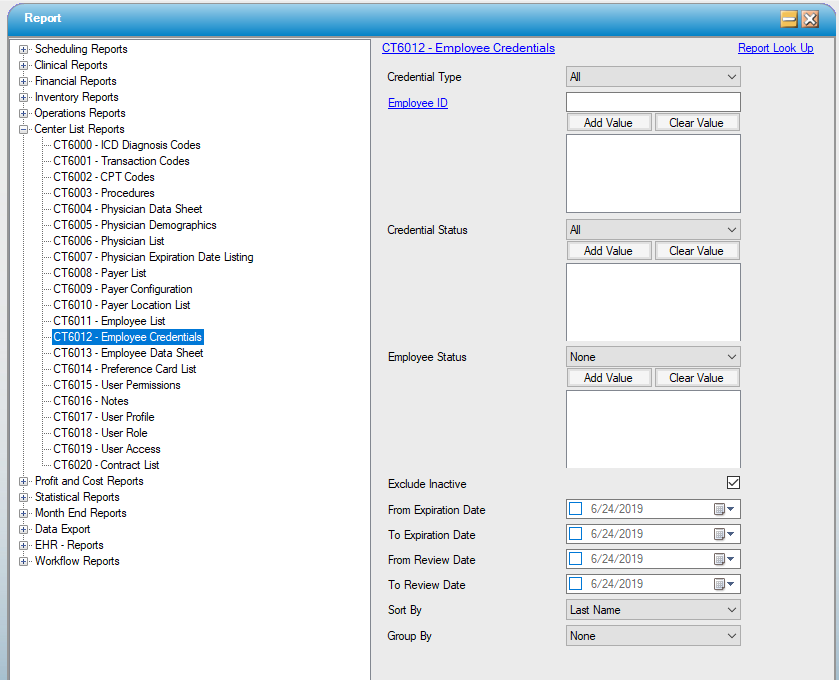
CT6012 – Employee Credentials
Function:
Displays a list of employee credentials, including review and expiration dates, as entered under Administration, Employee, Credentials tab.
Usage:
Filter by Credential Type, Employee Status, Employee ID, status, expiration dates and review dates.
Sort the retrieved data by Employee last name, Credential Type, Expire Date or Review Date.
Group the retrieved data by Credential Type, Expire Date or Review Date.
Hints and Tips:
INCLUDES all employees, all credential types, unless otherwise specified.
Consider running this report fairly regularly to track review and expiration dates for all employees: specify only the review and expiration date ranges to find all employees whose credentials may be due for review or pending expiration in the near future.
Notable Areas
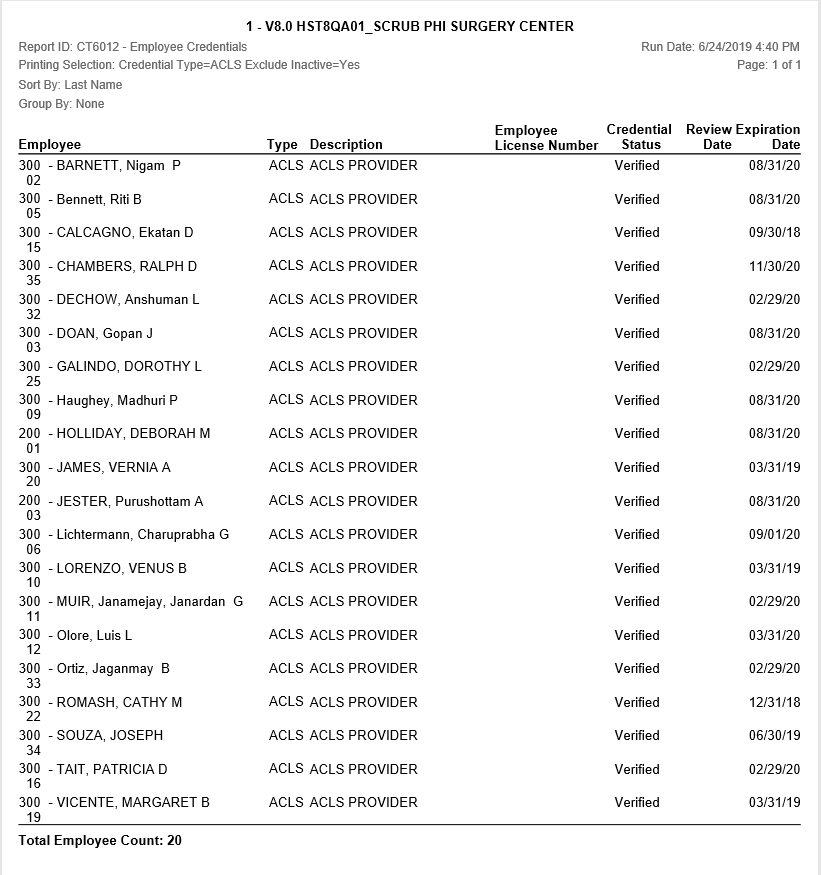
Type: Displays the Credential Type(s) attached to this employee. Credential Types are maintained under Administration, Code Table Maintenance.
Status: The status of each Credential Type will print.
Review Date: The review date for each Credential Type will print.
Expiration Date: The expiration date for each Credential Type will print.
Sample Report:
For details on available output types, please see the Reports Overview help page.
Report Filter: