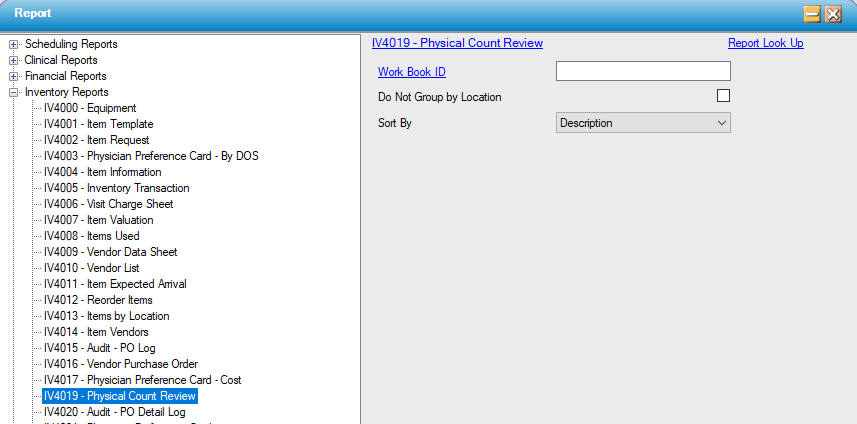
IV4019 – Physical Count Review
Function:
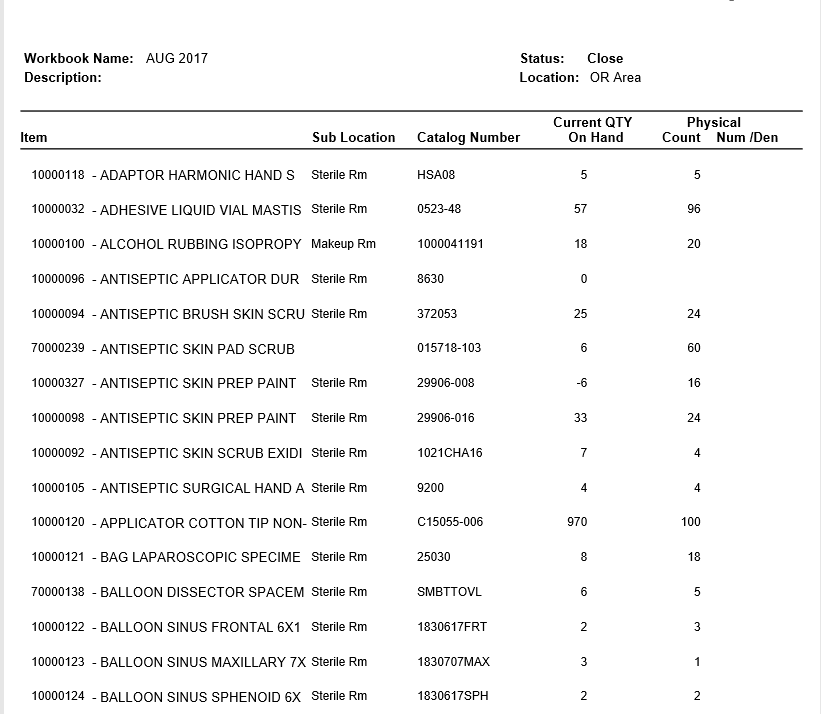
Displays the item counts that have been entered in Inventory, Physical Count. The report shows item location information including sub location and count entered. Prints a new page for each separate location.
Usage:
Select the current Work Book ID; to find it, click on Work Book ID; look up by Workbook Name or Description, or by status.
Sort the results by Item Description, Catalog Number or Sub Location.
Hints and Tips:
Run this report before posting physical counts; this would be considered the “proof sheet” to ensure entered data matches the count sheets.
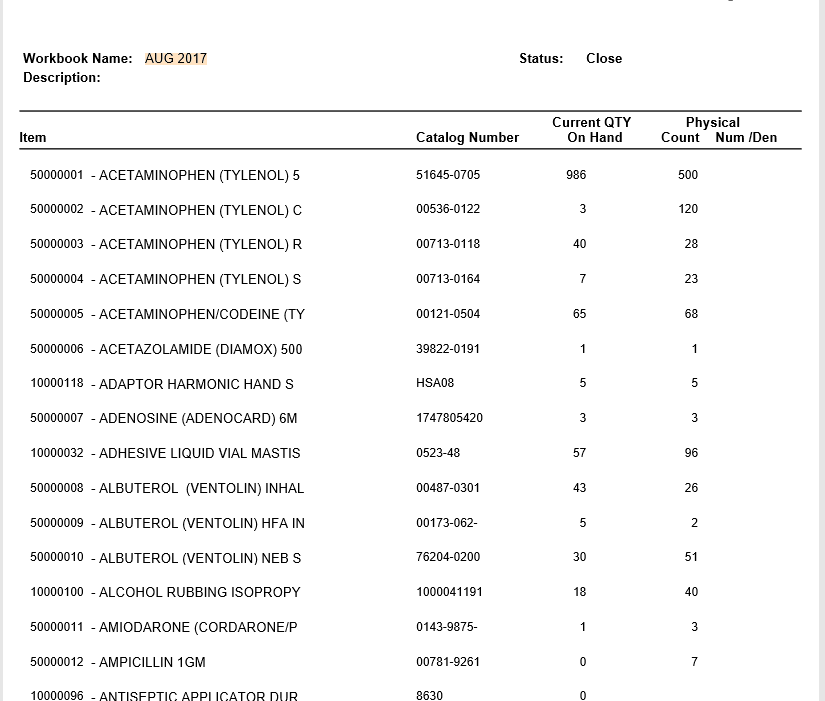
Click the check box for "Do Not Group by Location," to see side-by-side figures for current system count and the counts entered for each item summarized by workbook.
Sample Output:
For more information on report output options, view Reports Overview help page.
Grouped by Location (Default)
Not Grouped by Location - this version summarizes totals for the Workbook.
Report Filter: