Navigation Icons
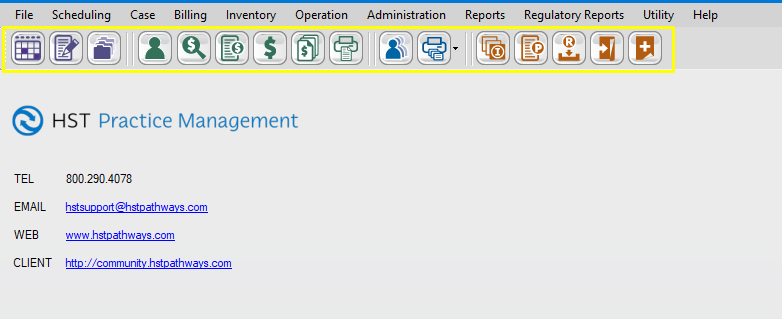
The HST Practice Management Home Page contains a toolbar with multiple navigation icons (shown below) which represent the most commonly used forms.
Clicking on a navigation icon will open a form in its own window.
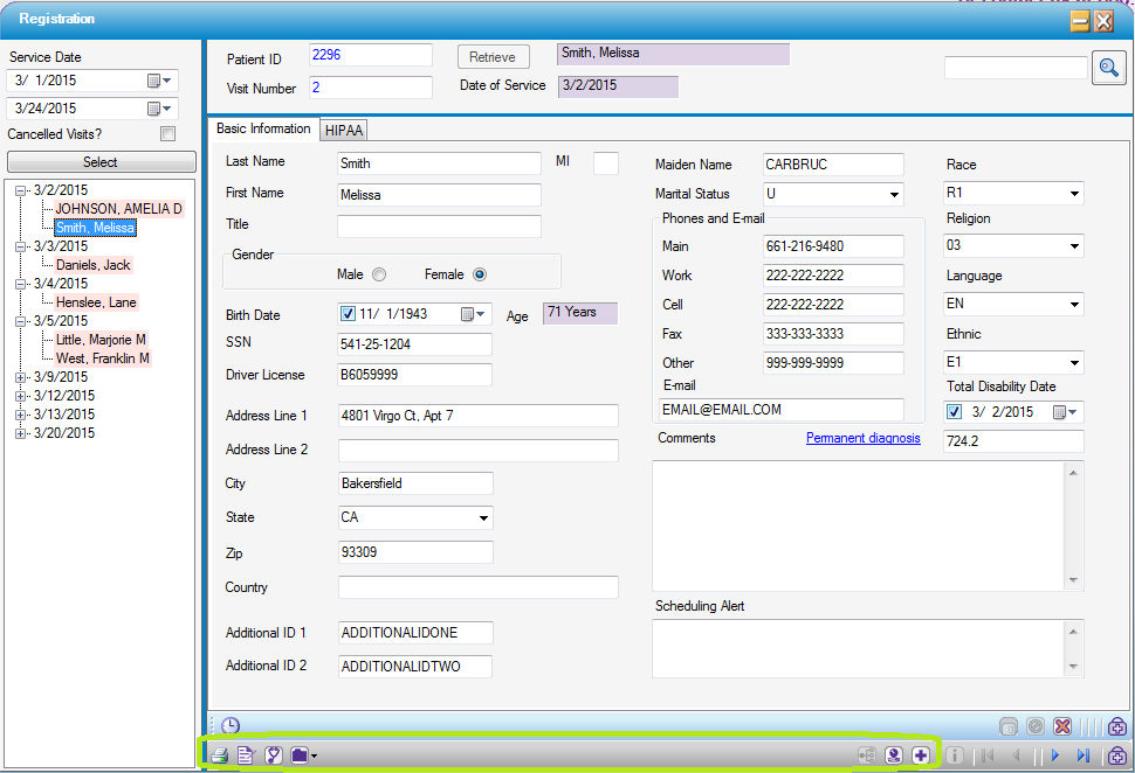
Navigation icons also appear on the bottom of related forms, such as those used in various forms: the Registration form below has navigation icons linking to the related forms of Visit, Insurance, Pre Op and Case History (outlined in Green).
Navigation Icon Views in the Toolbars
Navigation icons can be viewed in the form tool bar as Icon Only (as shown above), or text only, or both.
To change the view, right click on the form toolbar and select the desired option.

Icon only

Text only

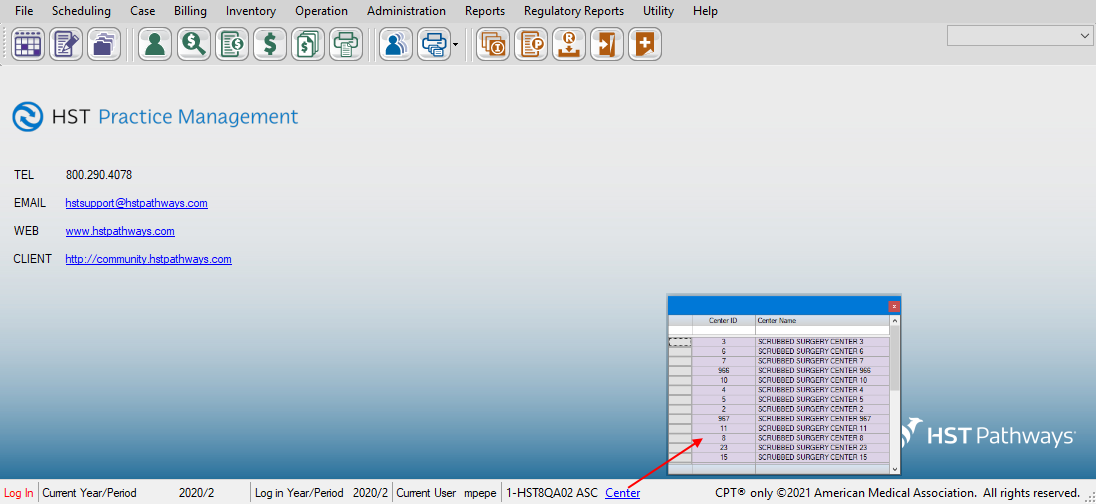
Center Hyperlink
For corporate customers who have many centers, we now provide a center listing grid to make it easier to navigate from one center to another center.